AI Coding Assistants
Cursor vs. Windsurf vs. Claude Code: 2026 Comparison
By Editorial Team
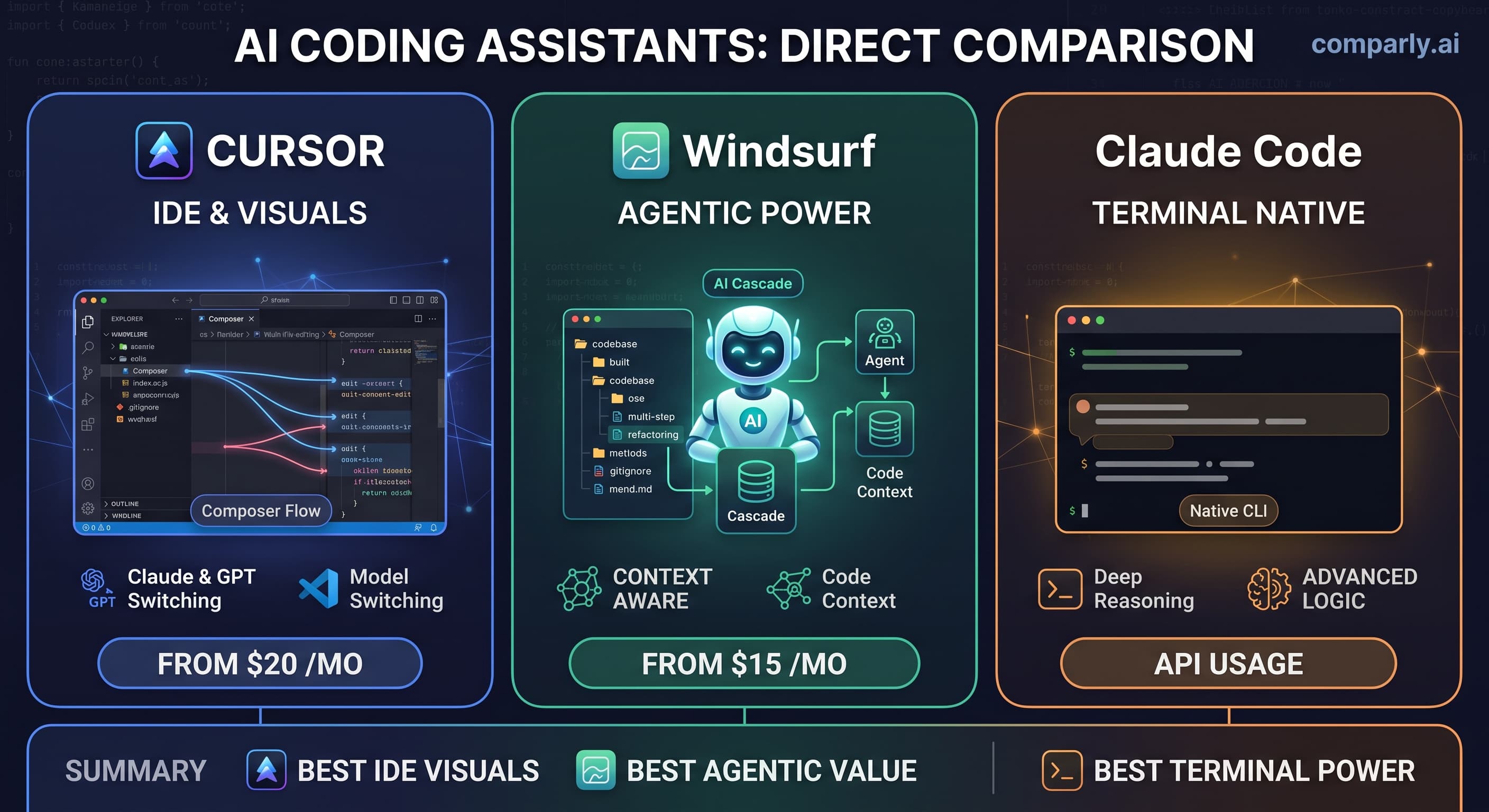
Developers are spoiled for choice in 2026. If you are deciding where to spend your monthly AI budget, the battle comes down to three massive players. Let us look at the pros, cons, and verified pricing for each.
Cursor: The VS Code Champion
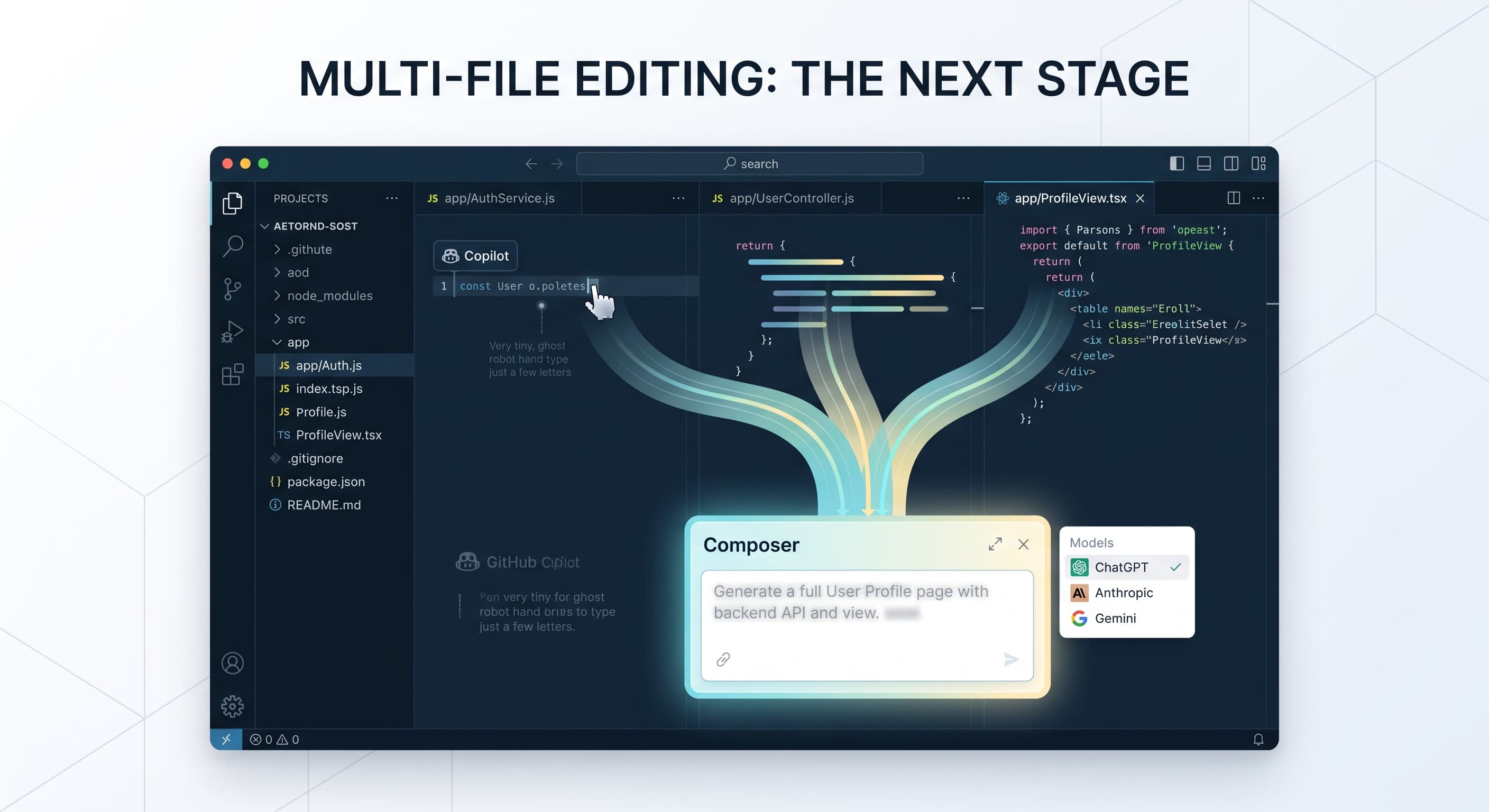
Cursor remains the top choice for developers who want a seamless transition from traditional IDEs.
- Pros: Incredible multi-file editing with Composer, ability to hot-swap between Claude and GPT models, and a familiar VS Code interface.
- Cons: Can be resource-heavy on older machines.
- Pricing: Pro plan starts at $20/month.View full Cursor pricing details here.
Windsurf: The Agentic Powerhouse
Windsurf by Codeium introduces "Cascade," a feature that acts as a true autonomous agent rather than just an autocomplete tool.
- Pros: Deep codebase context awareness, highly affordable, and excellent at executing multi-step refactoring commands.
- Cons: Smaller community extension ecosystem compared to Cursor.
- Pricing: Premium tiers start at $15/month.
Claude Code: The Terminal Native
For engineers who live in the command line, Anthropic's Claude Code is a headless monster.
- Pros: Directly interacts with your terminal and file system, incredible reasoning capabilities for complex logic, and lightweight.
- Cons: No graphical UI, making it intimidating for beginners.
- Pricing: Billed via Anthropic API usage. Compare all AI Coding Assistants.
The Verdict: Choose Cursor for a visual multi-model experience. Pick Windsurf for budget-friendly autonomous agents. Go with Claude Code if you are a terminal power user.